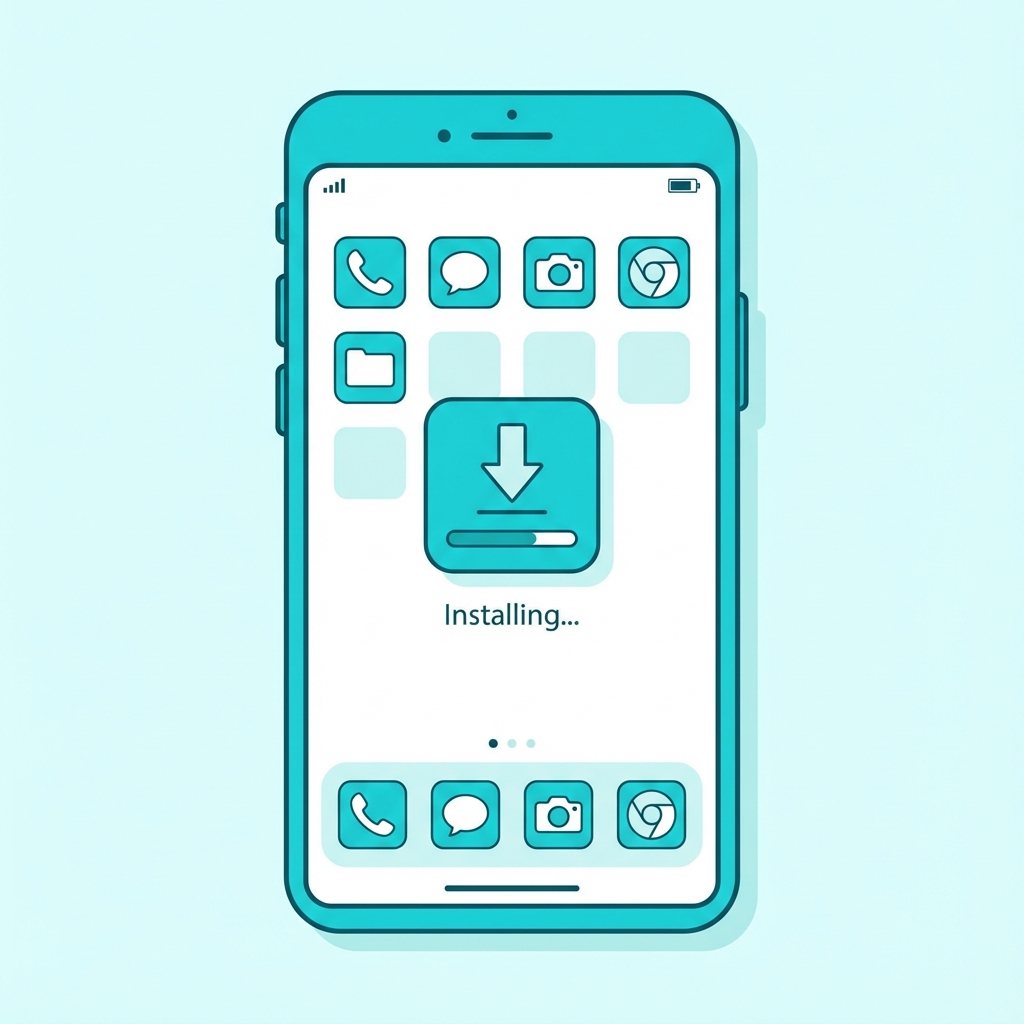
XSaver supports PWA (Progressive Web App), which lets you “install” the website like an app for faster access.
iPhone / iPad (Safari)
- Open XSaver in Safari.
- Tap the Share icon.
- Choose Add to Home Screen.
Android (Chrome)
- Open XSaver in Chrome.
- If you see “Install”, tap it. Otherwise open the menu (⋮) and choose Install app.
Desktop (Chrome/Edge)
Look for the install icon in the address bar, or use the browser menu → Install XSaver.